











UX/UI Design

My UX/UI design process is rooted in a user-centered approach that prioritizes clarity, usability, and strong visual storytelling. I focus on intuitive information architecture, clean layouts, and consistent design systems to make complex content that is easy to navigate. Through iterative refinement and attention to interaction and responsiveness, I develop cohesive, scalable experiences that balance functionality with visual impact.

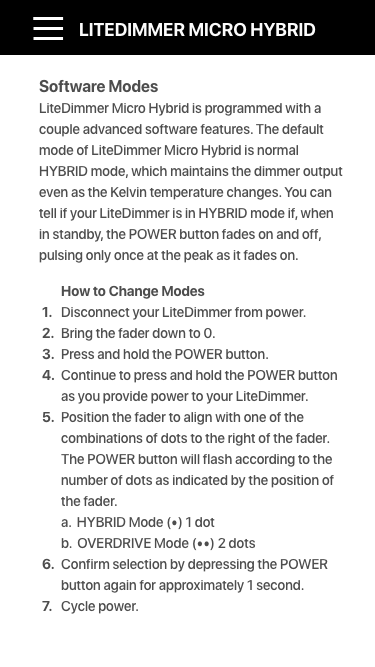
Web App, User Guide

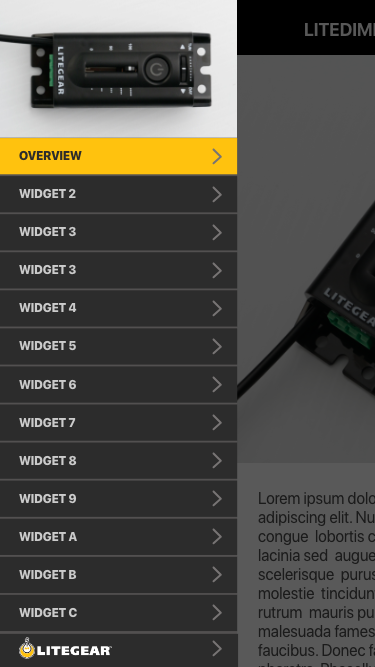
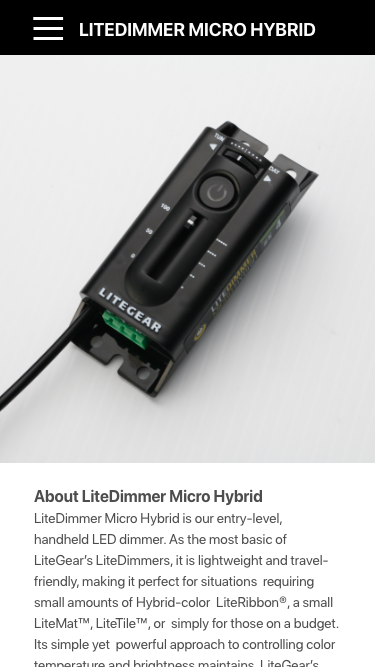
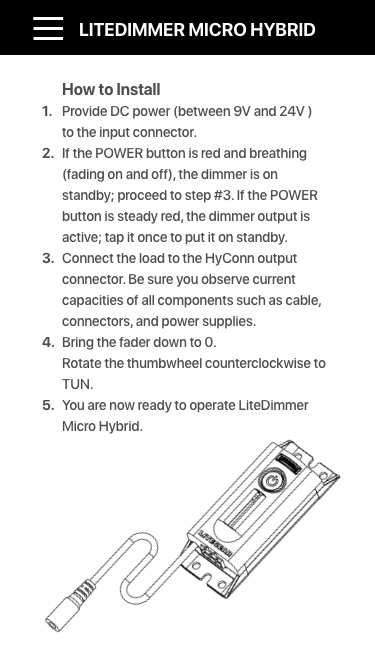
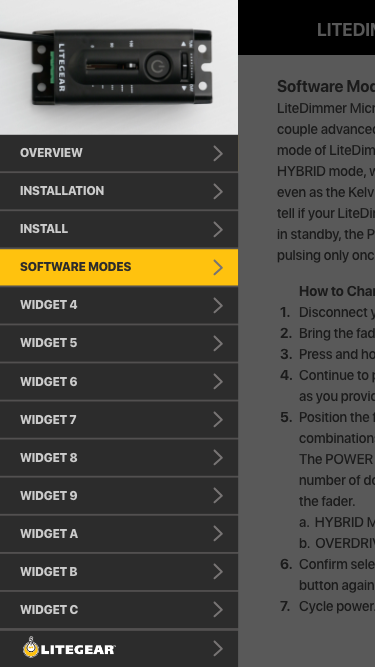
The web app UI is a mobile-first, user-centered interface that transforms technical documentation into an accessible, evergreen guide. Side navigation provides quick access to key sections, including Overview, Installation, and Software Modes, with clear active states and seamless slide-in transitions. Content is presented in clean, structured layouts with imagery and step-by-step instructions, prioritizing readability and ease of use. Consistent components and intuitive navigation reduce complexity, enabling users to quickly access information in real-world scenarios across any device.
 

Software: Adobe Illustrator, Adobe Photoshop, Adobe XD, Miro, Figma

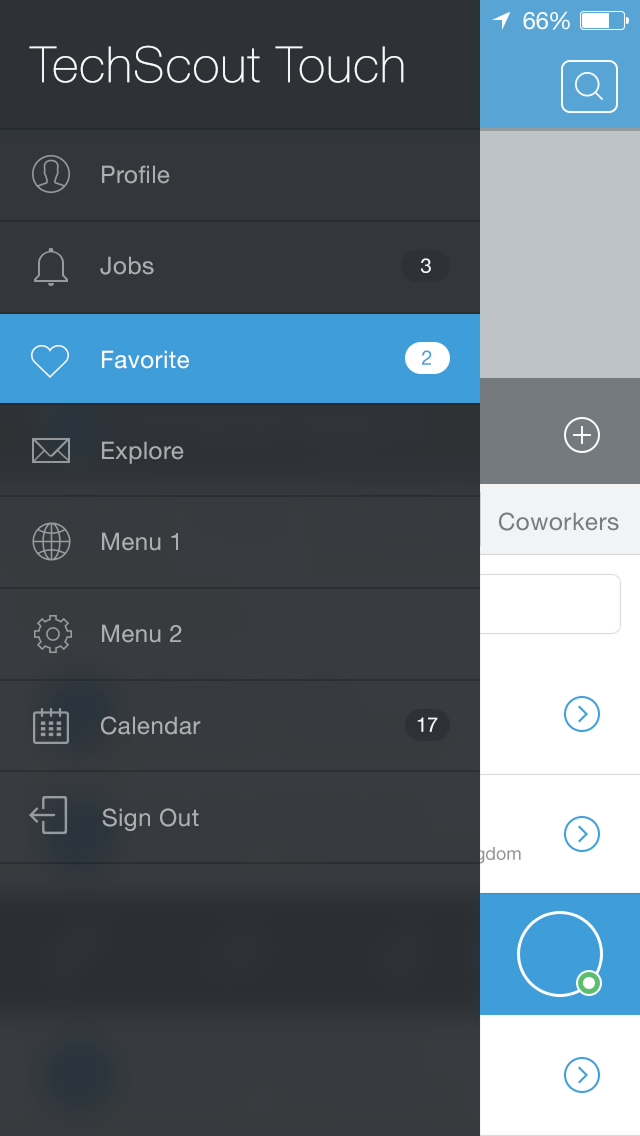
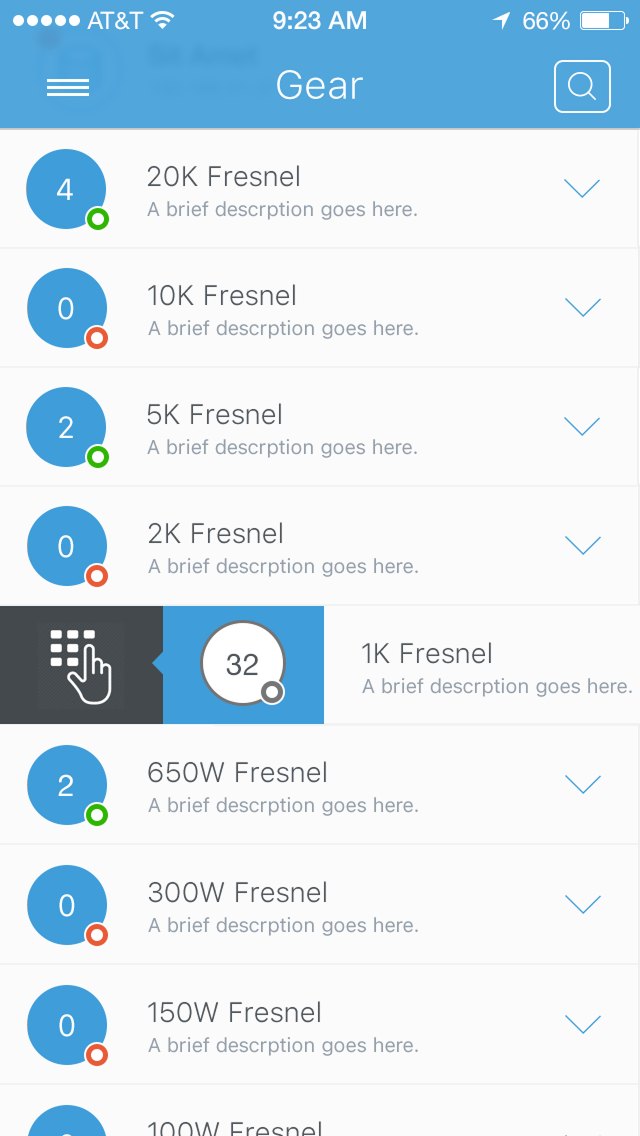
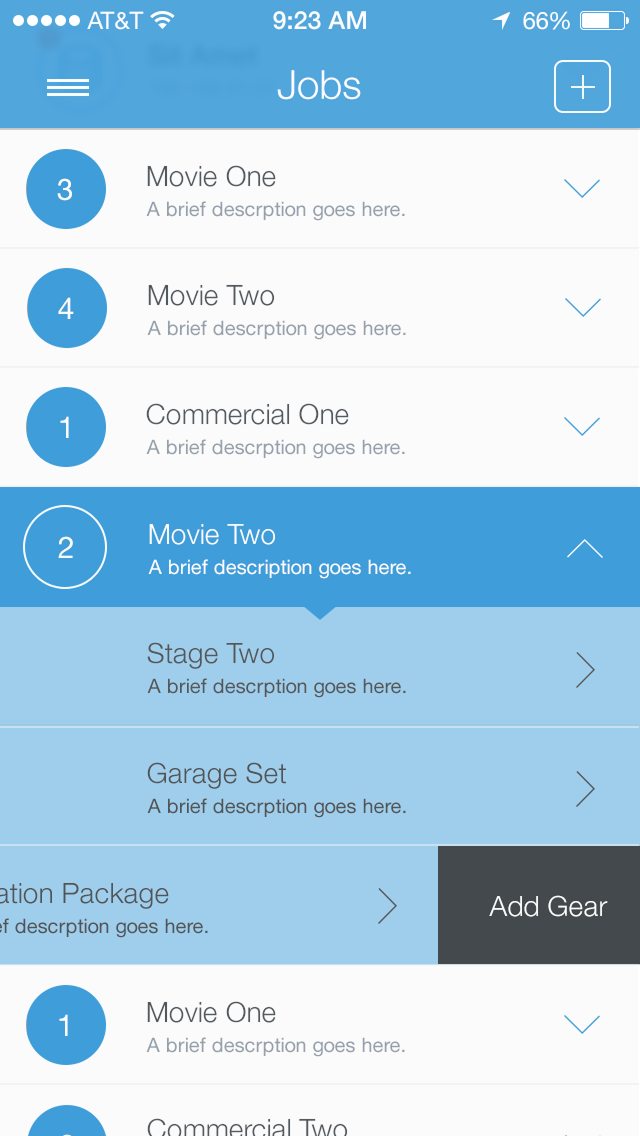
Mobile App Navigation

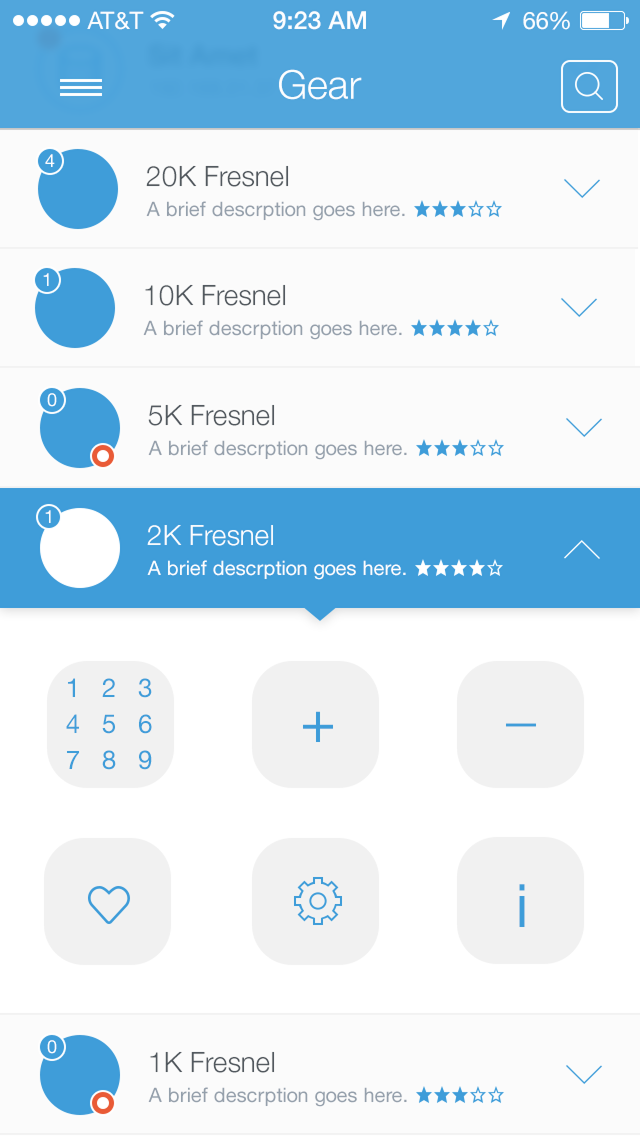
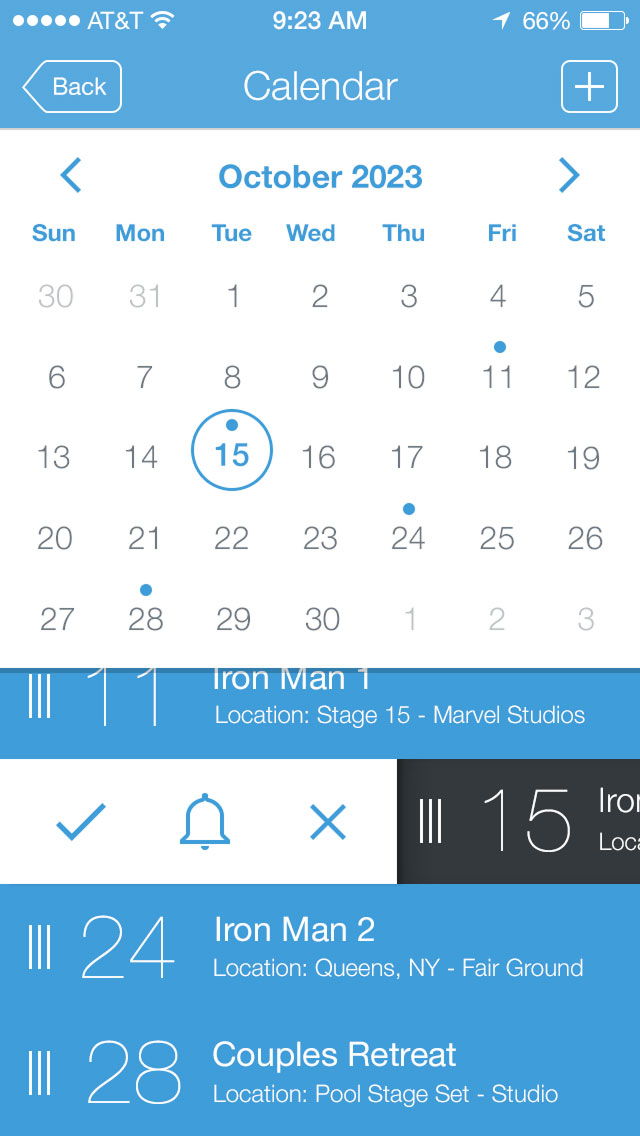
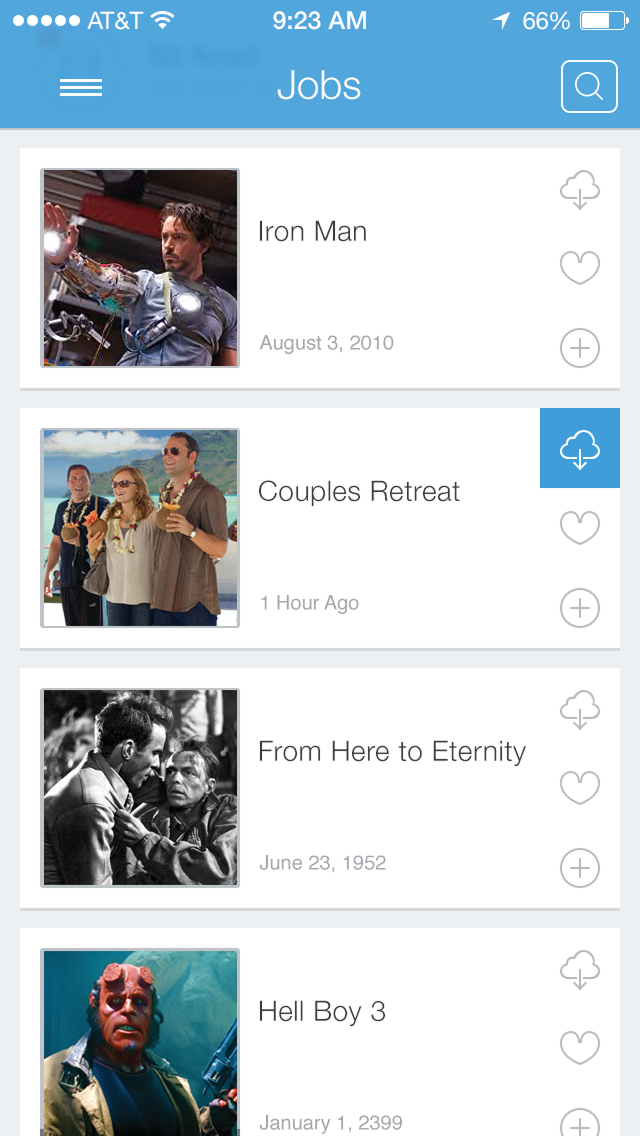
The mobile app design process is driven by a user-centered approach tailored to film production workflows, focusing on efficiently managing gear, jobs, and schedules. It begins with defining clear information hierarchies and modular interfaces, including list views, expandable items, and detailed screens to balance quick scanning with deeper access. Iterative design refines navigation, such as slide-out menus and multi-view project layouts (list, calendar, icon), while incorporating intuitive interactions and clear visual cues. The result is a streamlined, flexible app that enables teams to plan and track production in real time.
 

Software: Adobe Illustrator, Adobe Photoshop, Adobe XD, Miro, Figma

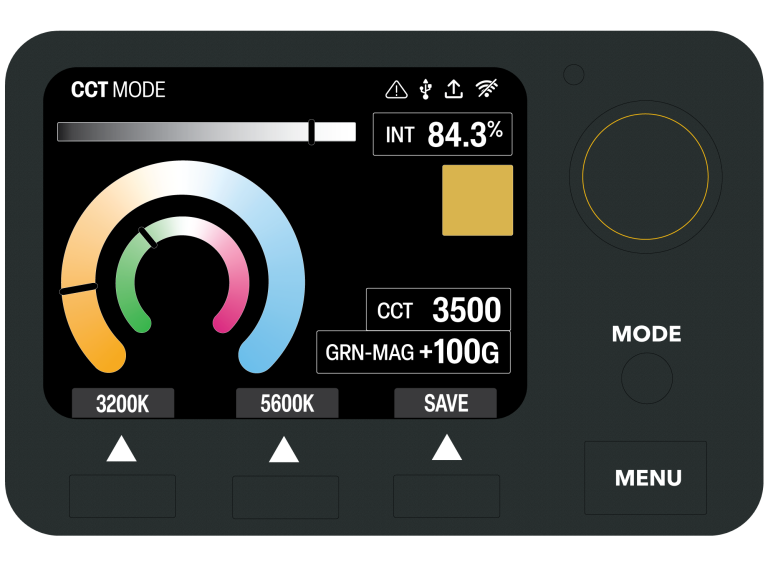
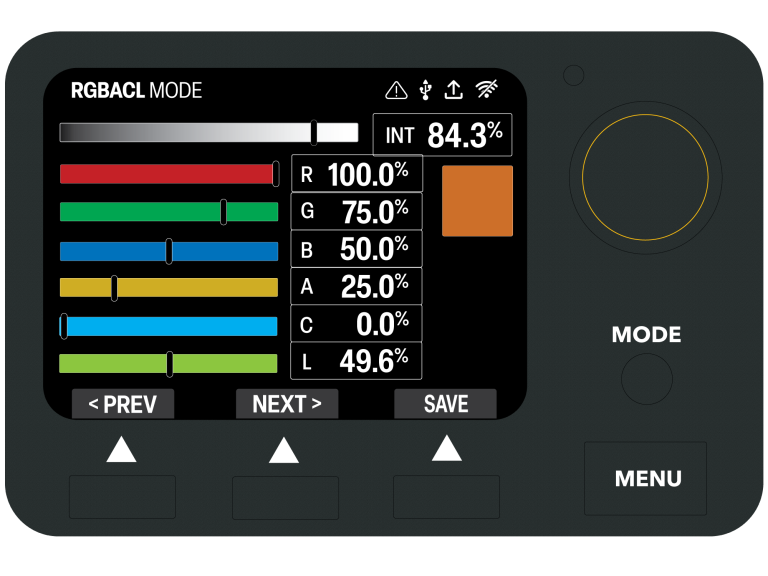
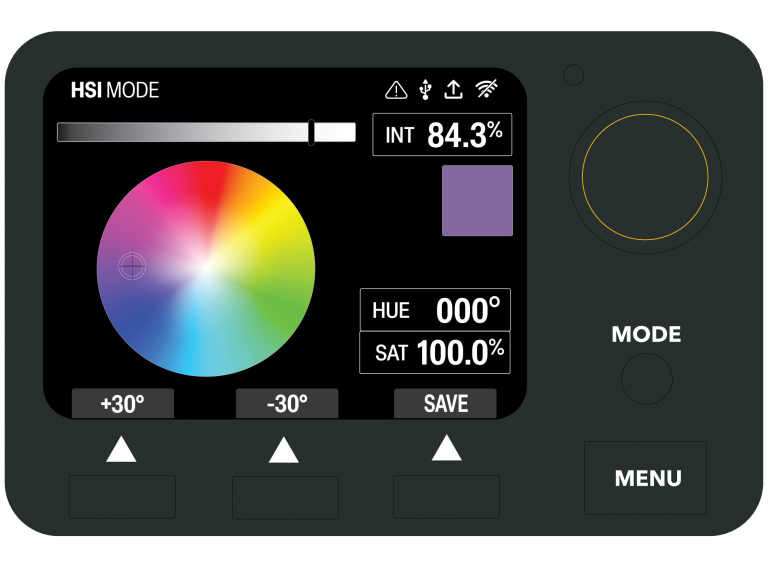
Light Control Interface

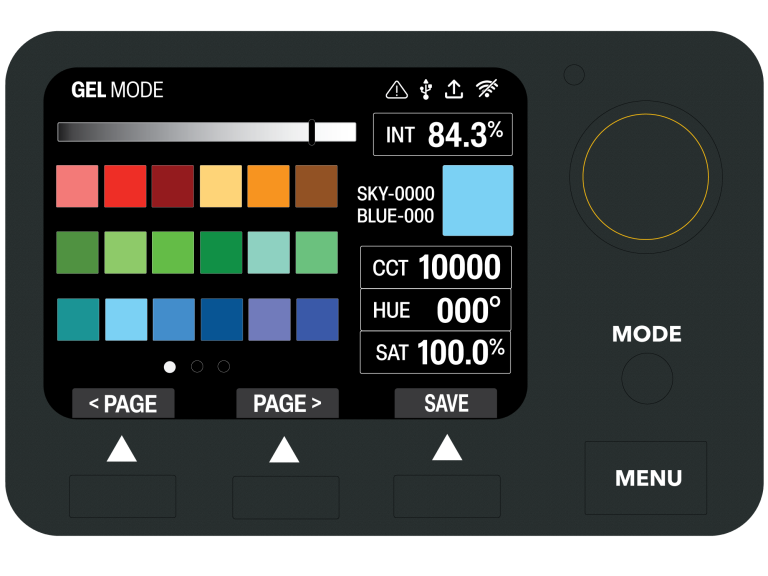
The UI design process focuses on translating complex lighting controls into an intuitive, user-centered interface. Built around real-world workflows, the system organizes controls into clearly defined modes, such as CCT, HSI, Gel, XY, and RGBACL, each with consistent layouts and visual tools like sliders and color wheels for precision . A simplified encoder-based interaction model (press, rotate, navigate) drives usability, supported by clear visual states and hierarchy. Through iterative development and refinement, the interface balances depth of control with speed and clarity, enabling efficient operation in high-pressure environments.
 

Software: Adobe Illustrator, Adobe Photoshop, Adobe XD, Miro, Figma

View Interface Mapping